 Today Ring
See the shape
of your day.
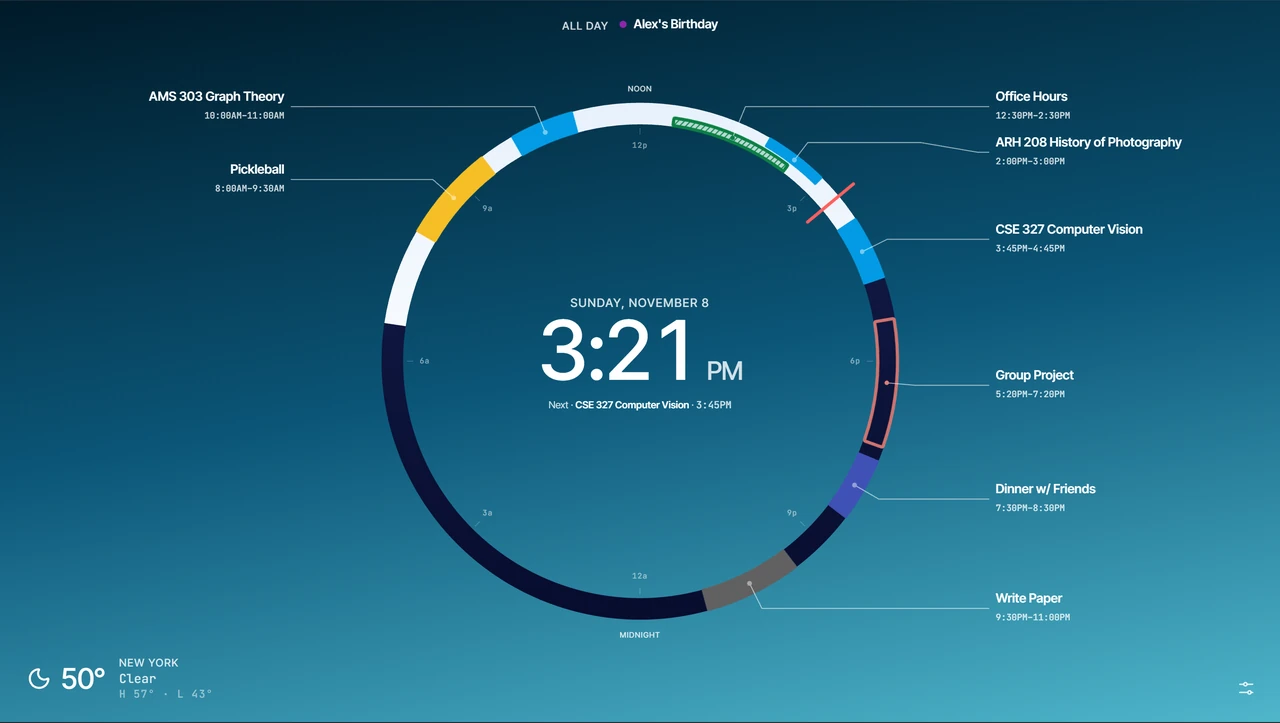
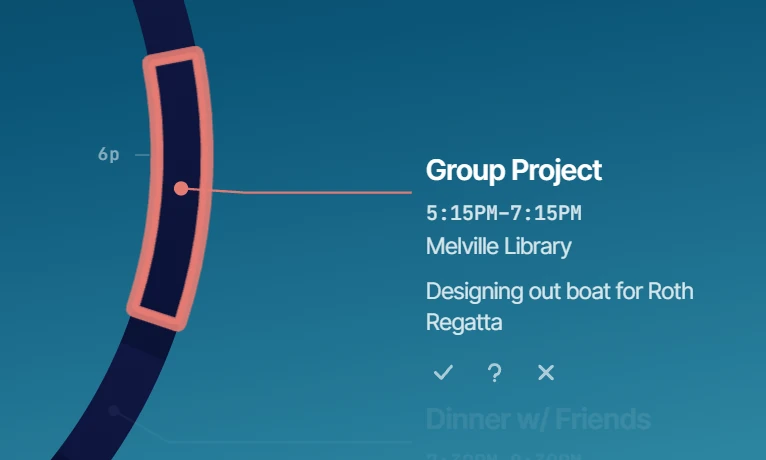
Today Ring turns every new tab into a beautiful, visual view of your day. A 24-hour ring shows your calendar events, helping you see what’s next, where you have time, and how your day fits together.
Testing before launch? See installation instructions.
 New Tab
How to install the Chrome test build
- Download the Chrome test build ZIP and extract it into a folder you can keep.
- Open
chrome://extensionsin Chrome and turn on Developer mode. - Click Load unpacked and select the extracted folder containing
manifest.json. - Open a new tab to try Today Ring.
To update, download and extract the latest ZIP into the same folder, then click Reload on the extension's card and refresh your new tab.